
Labeling Jobs: Assign, Label and Review Data in a Team
 Lisa Uspenyeva
Labeling jobs split a dataset into tasks for annotators and reviewers. See the roles, the create-label-review steps, statistics and export in Supervisely.
Labeling jobs are the way Supervisely splits a dataset into tasks for a team. A Manager writes the instructions, picks the data and classes, and assigns Annotators and Reviewers. Annotators label and submit, and Reviewers accept or reject. This guide covers roles, the three steps, statistics and export. See the collaboration features and the docs.
Labeling jobs vs labeling queues: which one to use?
| Labeling jobs | Labeling queues | |
|---|---|---|
| How work is split | Each annotator gets a fixed portion of the data | Annotators pull the next unlabeled image from a shared pool |
| Faster annotators | Finish their portion and wait | Take more images |
| Rejected items | Go to a new labeling job for re-annotation | Return to the same annotator's job |
| Built on | Roles, instructions, classes and tags | Labeling jobs |
What problems do labeling jobs solve?
When performing data annotation for big datasets, excellent team coordination is crucial. With the careful labeling, efficient collaboration within the team and strict quality control of the input annotation, we get high-quality data for further model training. However, there are several complexities and challenges in the data annotation process:
-
Subjectivity: Annotators' subjective judgment often occurs in data labeling. Diverse annotators may interpret the data differently, leading to disagreements in the labeling.
-
Misunderstanding of the task: Annotators may not fully understand the purpose and requirements of the task, especially if they are inexperienced. This can lead to errors in data annotation.
-
Iterations: During the performing of a task, new data annotation requirements may arise, or data may need to be re-labeled due to changes in the job.
-
Tasks Distribution: Assigning tasks to annotators and ensuring a balanced workload can be challenging.
-
Review and statistics: Monitoring and analyzing annotation statistics is essential. It can be complex to interpret these statistics and make informed decisions based on them.
To ensure that all team members understand and communicate effectively and minimize these complexities, Supervisely offers Labeling Jobs. They make the labeling process more structured and harmonized, improving the quality and efficiency of the team's work.
What is a labeling job?
Labeling jobs organize and distribute data annotation tasks within a team. They ensure that annotators work on well-defined and manageable portions of the dataset, follow consistent guidelines, and contribute to the overall success of the annotation project while maintaining data quality and accuracy.
Benefits of the Labeling Jobs functionality include:
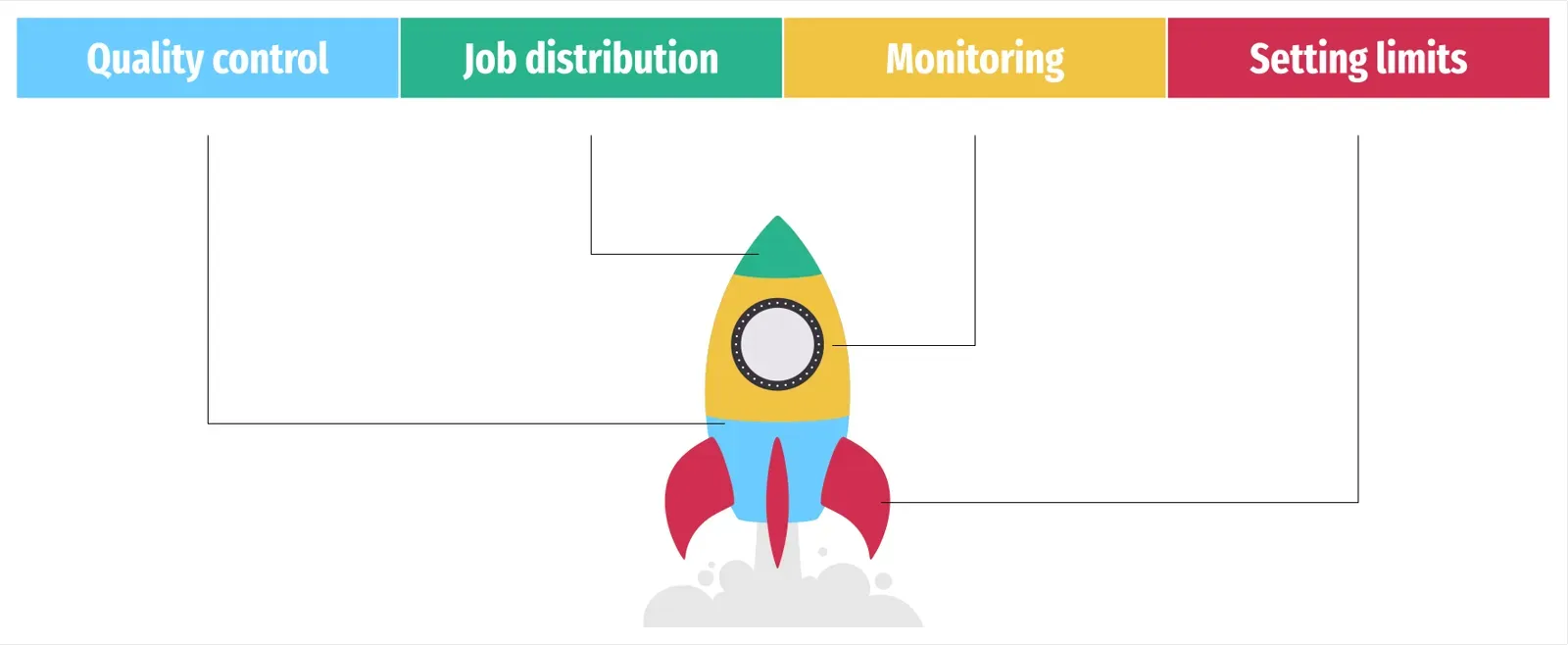 Benefits of Labeling Jobs in Supervisely
-
Annotation quality control system, including inspections and the ability to send materials for re-labeling if necessary.
-
Distribution of annotation tasks among team members. Dividing the work process into individual jobs assigned to specific team members helps avoiding mutual overlap when working on the same job simultaneously.
-
Formulating technical requirements and establishing restrictions on using classes to eliminate subjective errors.
-
Monitoring the status of the annotation process in real-time with the ability to iterate to improve results.
-
Establishing limited access to specific data sets within the assignment to ensure information confidentiality.
Distribution of roles within the Labeling Jobs
Roles define what activities members can perform within a team. To organize teamwork efficiently, each member is assigned with a different role in the Members page. Depending on their specific requirements, a single user can assume various roles within different teams. For example, a team Manager can invite new members, while a Reviewer does not have this ability.
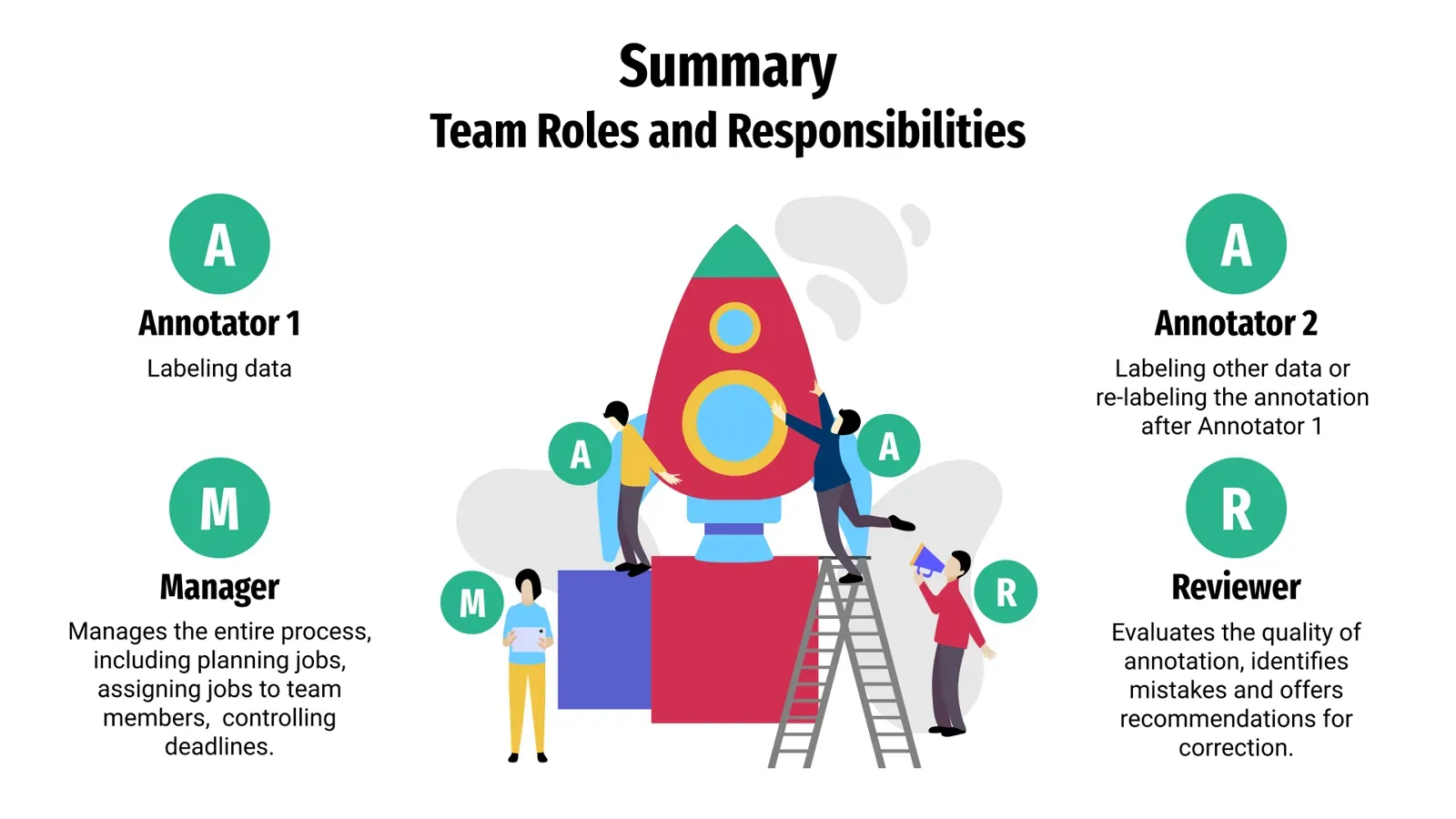 Team roles in Supervisely Labeling Jobs
Labeling Jobs involve the following roles:
📋 Manager creates a Labeling Job and controls the entire process of the team’s work.
The Manager initiates Labeling Jobs, ensuring that Annotators receive explicit instructions for data annotation. These labeling descriptions serve to clarify the criteria and prerequisites for accurately annotating data. All descriptions will be in the Info section.
The Manager can also efficiently manage the annotation process and monitor its progress.
When the Labeling Job is completed, the Manager has the ability to view the statistics for analysis of the team's performance. The statistic is available for each task or individual for each Labeler.
 Manager's responsibilities and permissions
🛠️Annotator, also called Labeler, whose main task is to label strictly defined data.
The Labeler role restricts the user's access solely to the Labeling Jobs page, with no permissions to view other pages. This role is typically assigned to individuals who are responsible for performing annotation tasks and data labeling without the need for broader system privileges. They can view the specific Labeling Jobs they are assigned to, accomplish them, and submit for review. Annotators cannot create new classes or use other applications or Neural Networks.
 Annotator's responsibilities and permissions
🔍 Reviewer is responsible for checking annotations and, if necessary, sending jobs for re-annotation. Similar to the Manager role, the Reviewer has the ability to create the Labeling Job and view its statistics, but the primary task of the Reviewer is to check the labeled data.
 Reviewer's responsibilities and permissions
How to use Labeling Jobs in Supervisely: Step-By-Step Guide
Watch our concise video tutorial on using Labeling Jobs in the Supervisely platform to see collaboration at scale in action.
Before you start
Make sure that you have:
- dedicated Team assigned with proper roles
- necessary projects for annotation with relevant properties (classes/figures/tags) defined
How do you create a labeling job? (Step 1)
To create the Labeling Job either Manager or Reviewer shall:
-
Create and assign a Title in the
Labeling Jobstab. -
Provide a description for Annotators.
Markdown or Labeling Guides may be used to provide a detailed task description with photos, videos, and examples of annotations or correct/incorrect labeling.
-
Assign Reviewer and Labelers to complete the Labeling Job.
-
Select the data to annotate.
-
Provide the Annotator with a list of available classes and tags, along with the maximum number of figures and tags per item.
-
Filter data for labeling by various criteria, including tags or by limiting the number of items to be annotated. By default, the entire dataset will undergo the annotation process.
Once the process of setting up the Labeling Job is completed, the Manager or Reviewer will be redirected to the Labelling Jobs page displaying a separate task for each Labeler.
How do annotators complete the job? (Step 2)
The Labeler performs the assigned task in Labeling Job as follows:
-
Reads the technical specifications and goes to the specified annotation toolbox.
-
Labels the data with pre-defined classes.
-
Clicks the
Confirmbutton when the annotation is done.After annotating the entire dataset, the Labeler pushes
Submitto send the annotation for the review. After that, the Labeling Job will be marked as completed and will be removed from the list of Labeling Jobs assigned to this Annotator.
How does review and quality control work? (Step 3)
The Reviewer usually follows these guidelines:
-
Reads the technical specifications and goes to the annotation toolbox.
-
Accepts 👍 or Rejects 👎 the annotations made by the Labeler.
-
Once the reviewing process is finished for all data in the dataset, the Labeling Job may be finalized.
If any annotations were rejected, the annotation process is restarted. Data will be sent for re-annotation in a new Labeling Job.
Teams with strict data-residency rules can run the same labeling jobs on an on-premise install.
How do you track labeling job statistics?
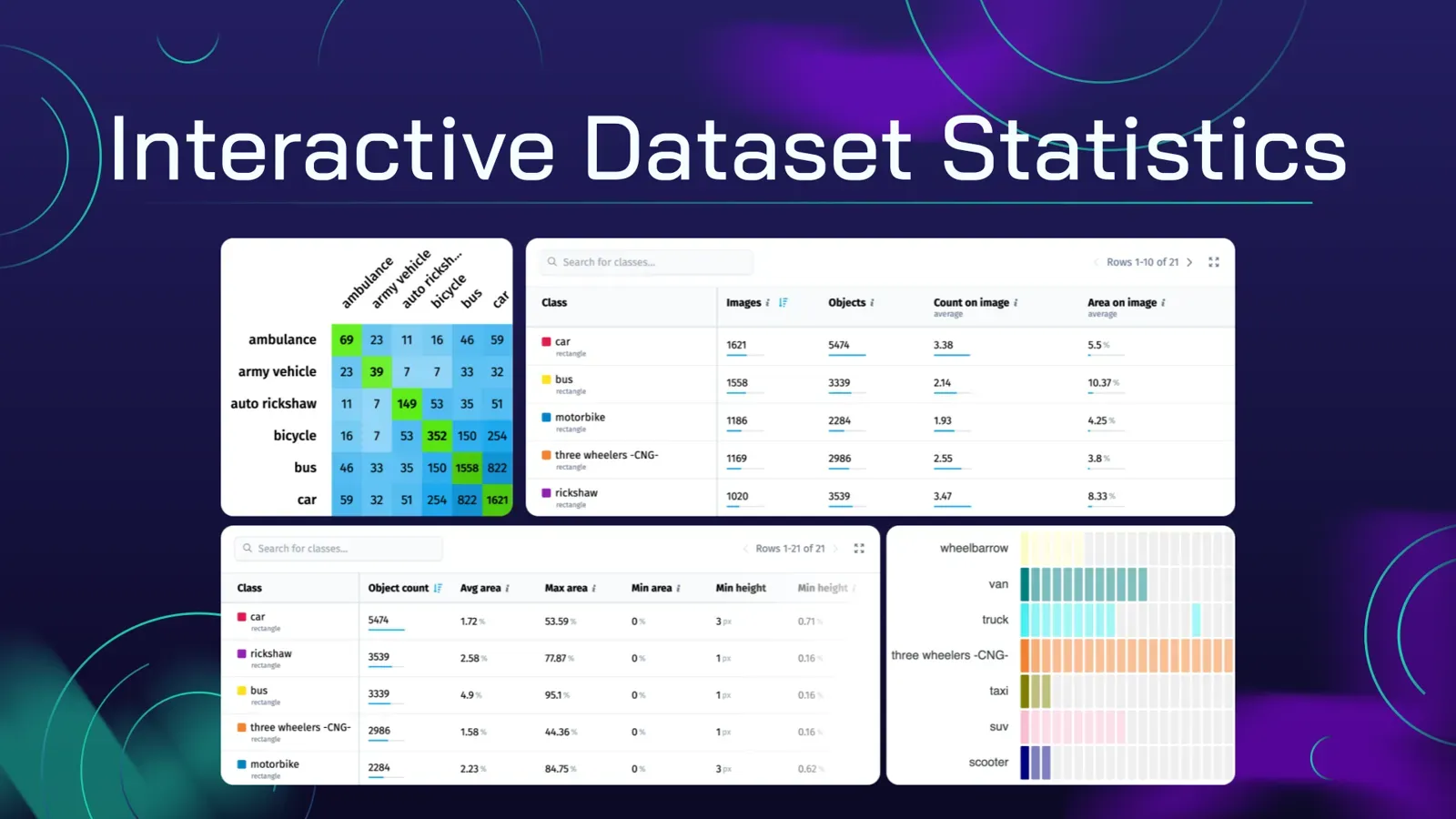
📊Manager and Reviewer can view statistics for each labeling job by clicking Stats button.
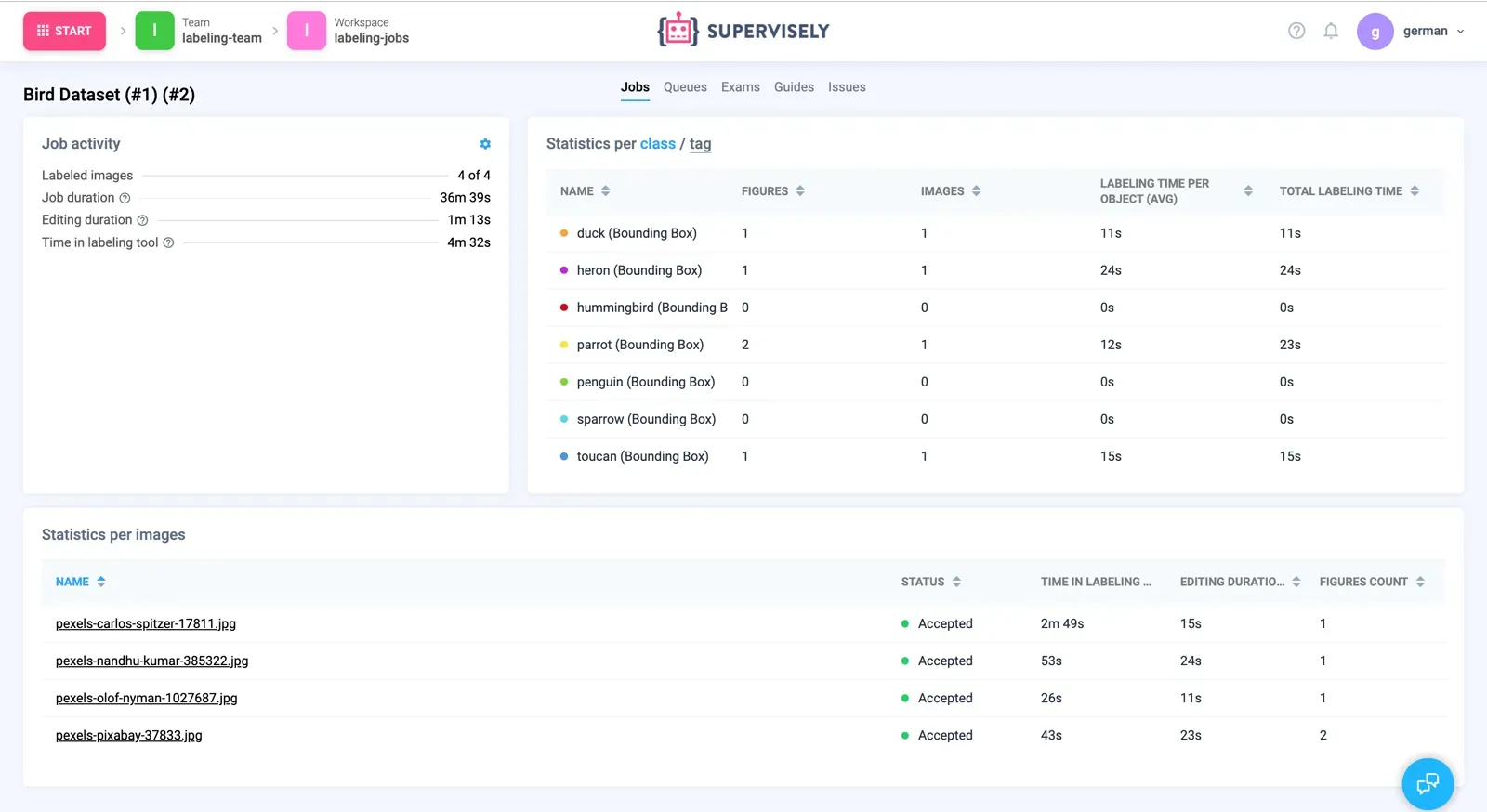 Labeling job statistics
How do you export labeled data?
You have the option to retrieve activity data from either a labeling job or a team member in the form of a .csv file. Moreover, you can effortlessly export accepted items such as images, videos, point clouds, and DICOMs from the dataset in Supervisely format following the labeling job review.
Export Items After Review
Export items after the passing labeling job review

You can find and apply more supplementary applications on the Collaboration at scale topic in the Collaboration section of Supervisely Ecosystem.
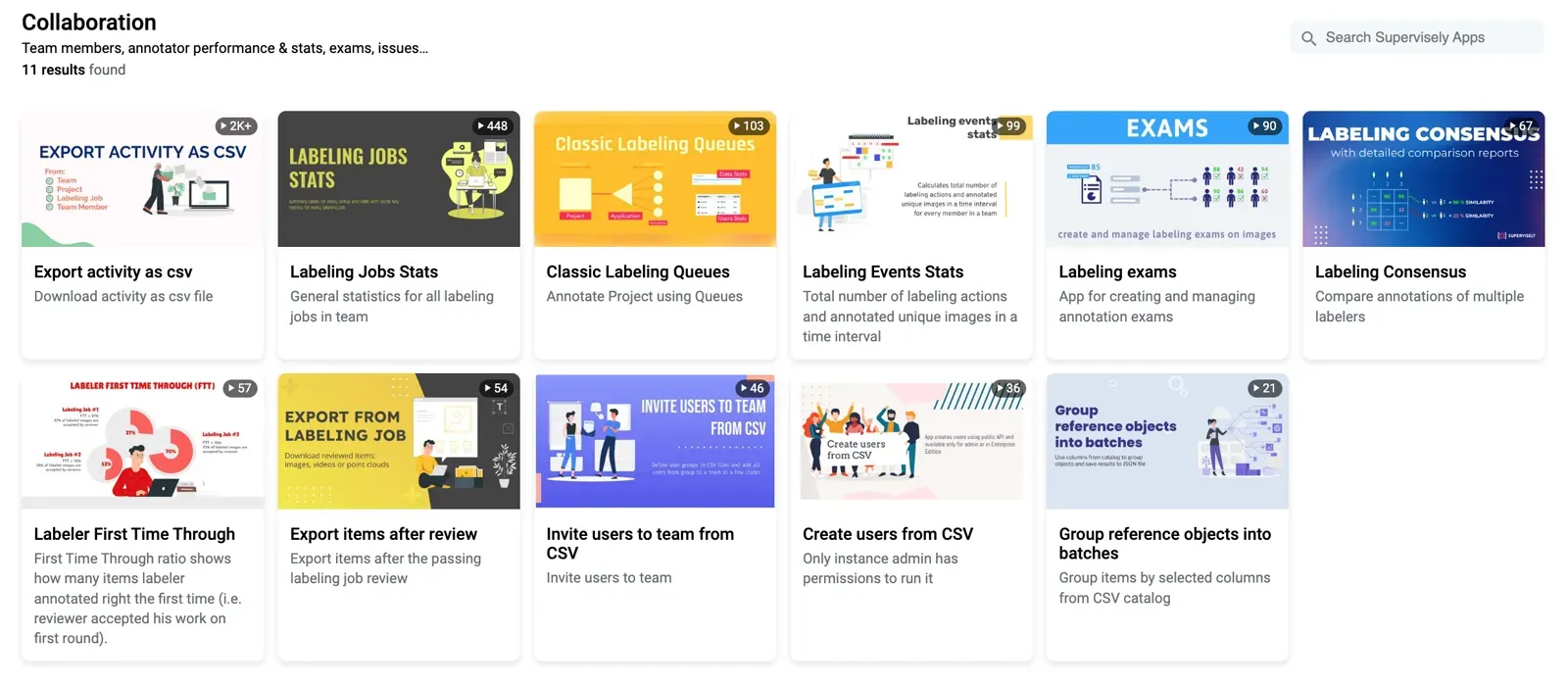 Additional Applications
Conclusion
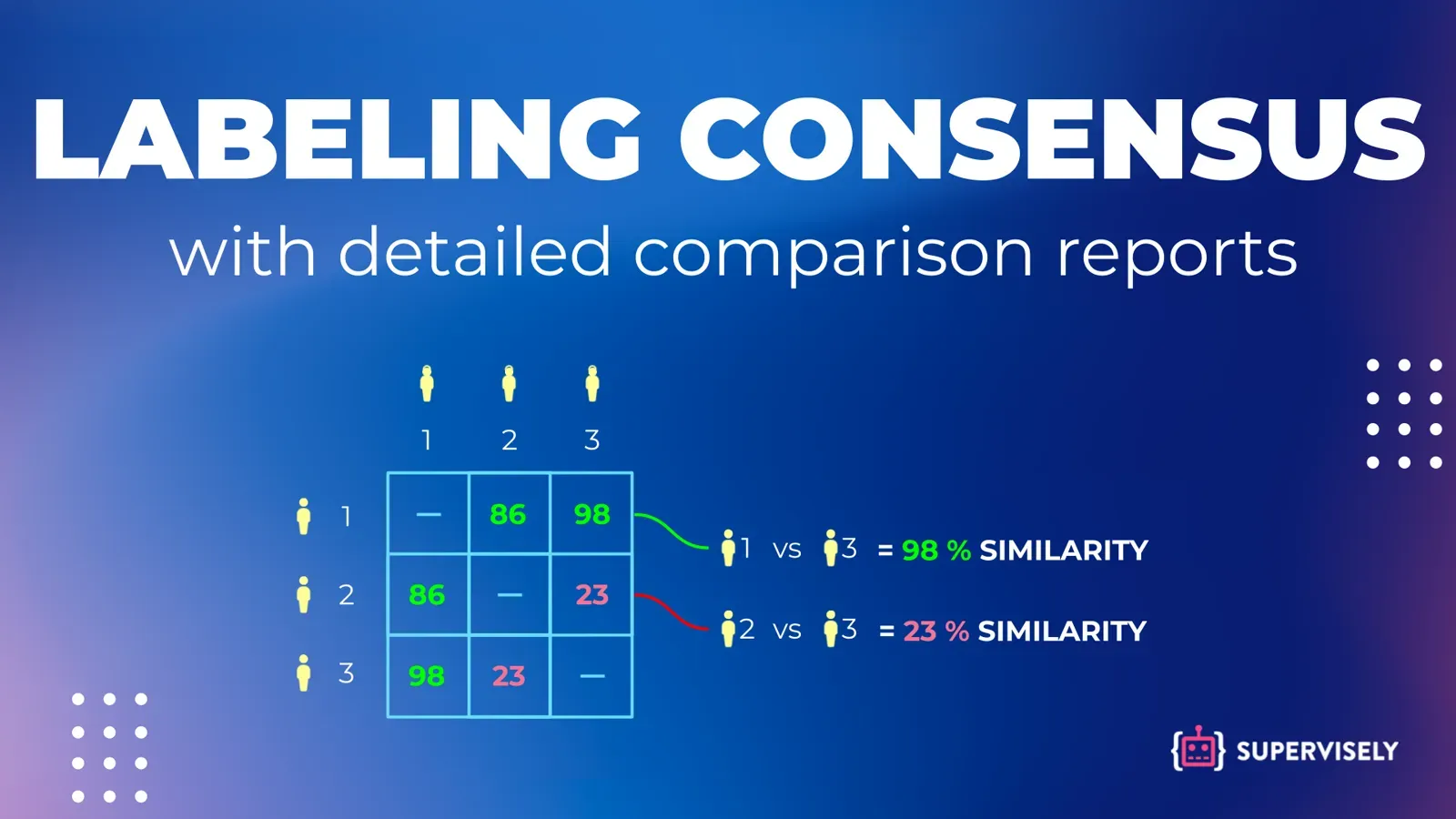
Labeling jobs give each annotator a defined part of the data, a shared guideline and a reviewer. Use them when work can be split in fixed portions. If annotators should pull work from a shared pool, use labeling queues. To measure how much annotators agree, see inter-annotator agreement.
Frequently asked questions
What is a labeling job?
A labeling job is a task that gives a defined portion of a dataset to annotators and reviewers, together with instructions, allowed classes and tags. It keeps the team on the same guidelines and tracks the status of the work.
Who can create a labeling job in Supervisely?
A Manager or a Reviewer creates the job. The Annotator role only sees the jobs assigned to it and cannot create classes or use other apps or neural networks.
How does review work in a labeling job?
The Annotator labels the data and submits the job. The Reviewer accepts or rejects the annotations and finalizes the job once all data is reviewed. Rejected annotations go to a new labeling job for re-annotation.
Can I limit what annotators label?
Yes. You choose the data (the whole dataset by default, or a filtered subset), the available classes and tags, and the maximum number of figures and tags per item.
How do I see how my team is doing?
Managers and Reviewers click the Stats button for a job. You can also export activity of a job or a team member as a CSV file with a Supervisely app.
Labeling jobs or labeling queues?
Use jobs when each annotator gets a fixed part of the data. Use labeling queues when annotators should pull items from a shared pool so that faster people take more work.