

Labeling in Supervisely Blog
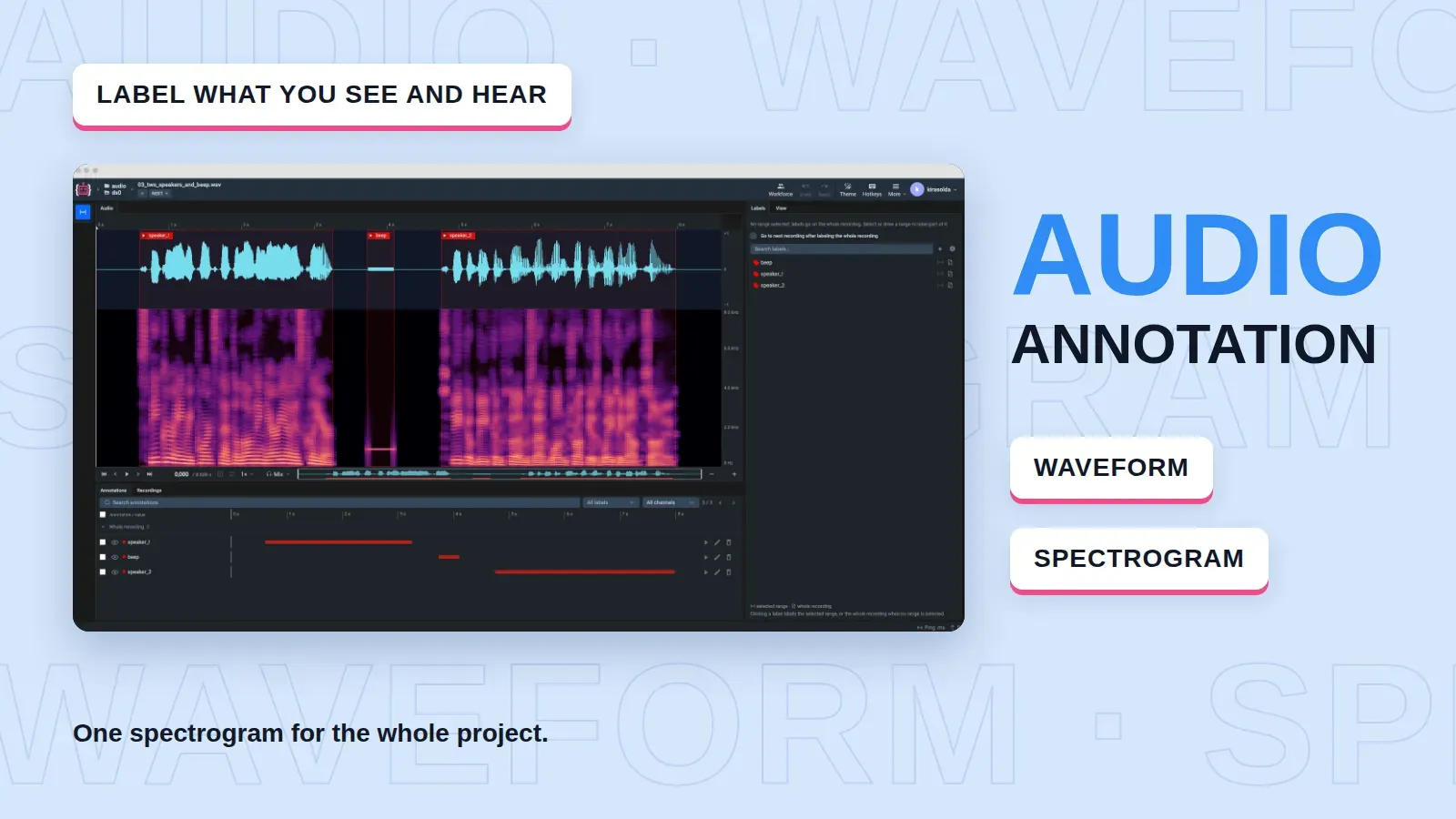
Audio Annotation in Supervisely: Waveform and Spectrogram Labeling
Label speech, machine noise and other sound events as time segments on a waveform and a spectrogram, with spectrogram settings fixed for the whole project.
 Ira Soldatova
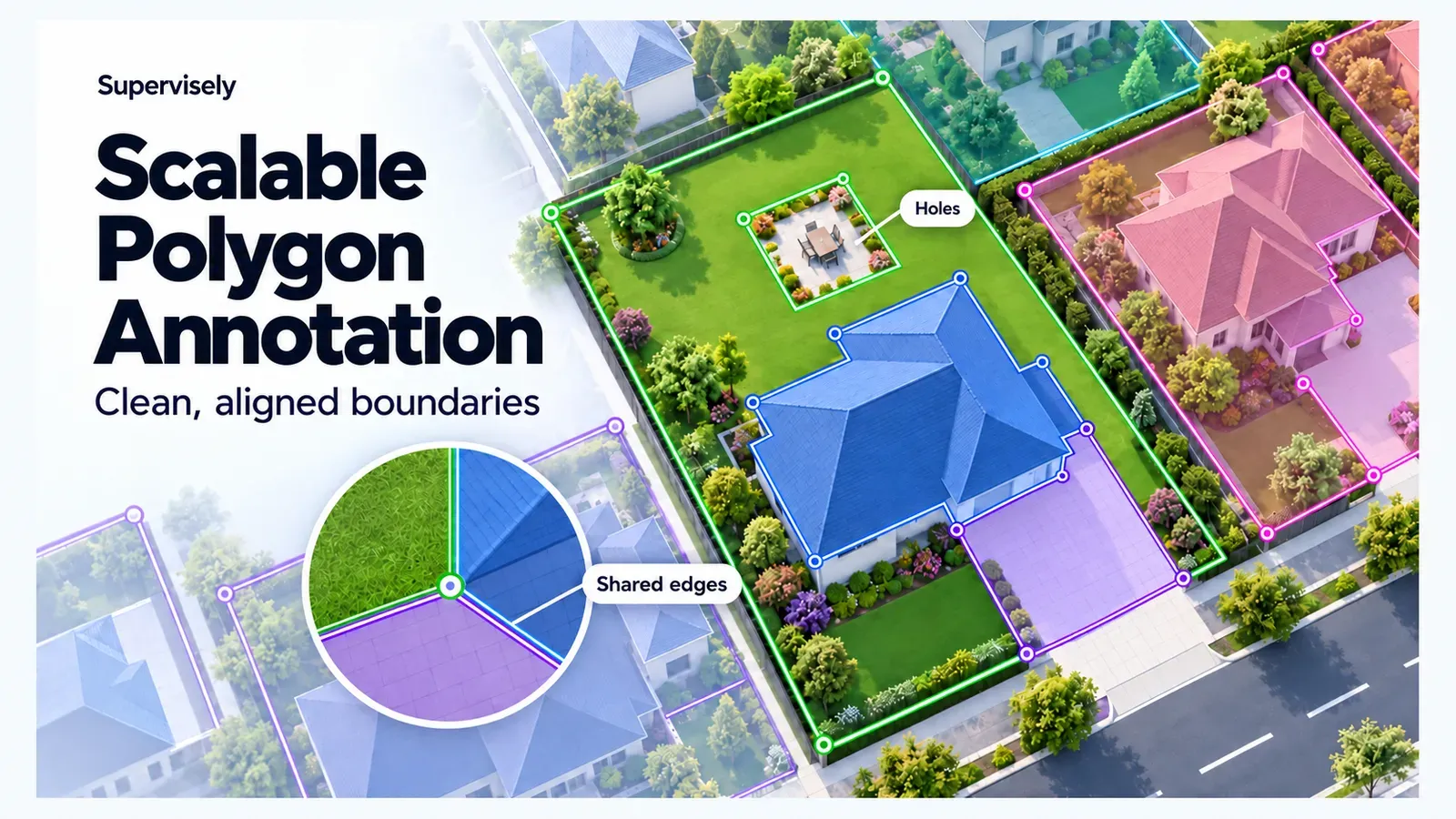
Scalable Polygon Annotation: Clean Boundaries for Geospatial Data
Annotate buildings, parcels and land cover with polygons in Supervisely: draw by hand or with AI, share boundaries, cut holes and fix mistakes.
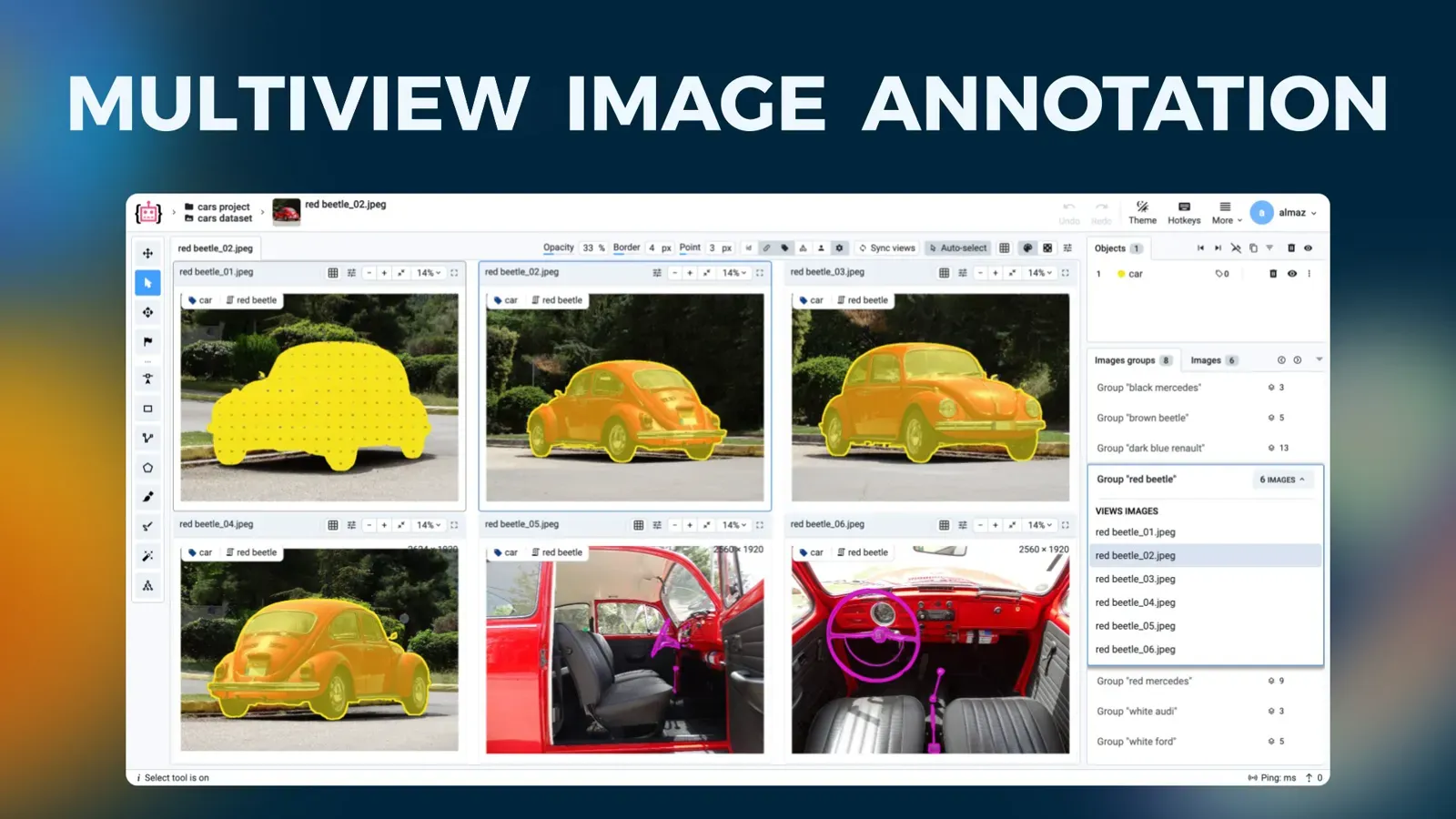
Multiview Image Annotation: How to Label Image Groups Together
Multiview annotation labels images of one scene from several cameras on a single screen. Learn to structure, import, annotate and export image groups.
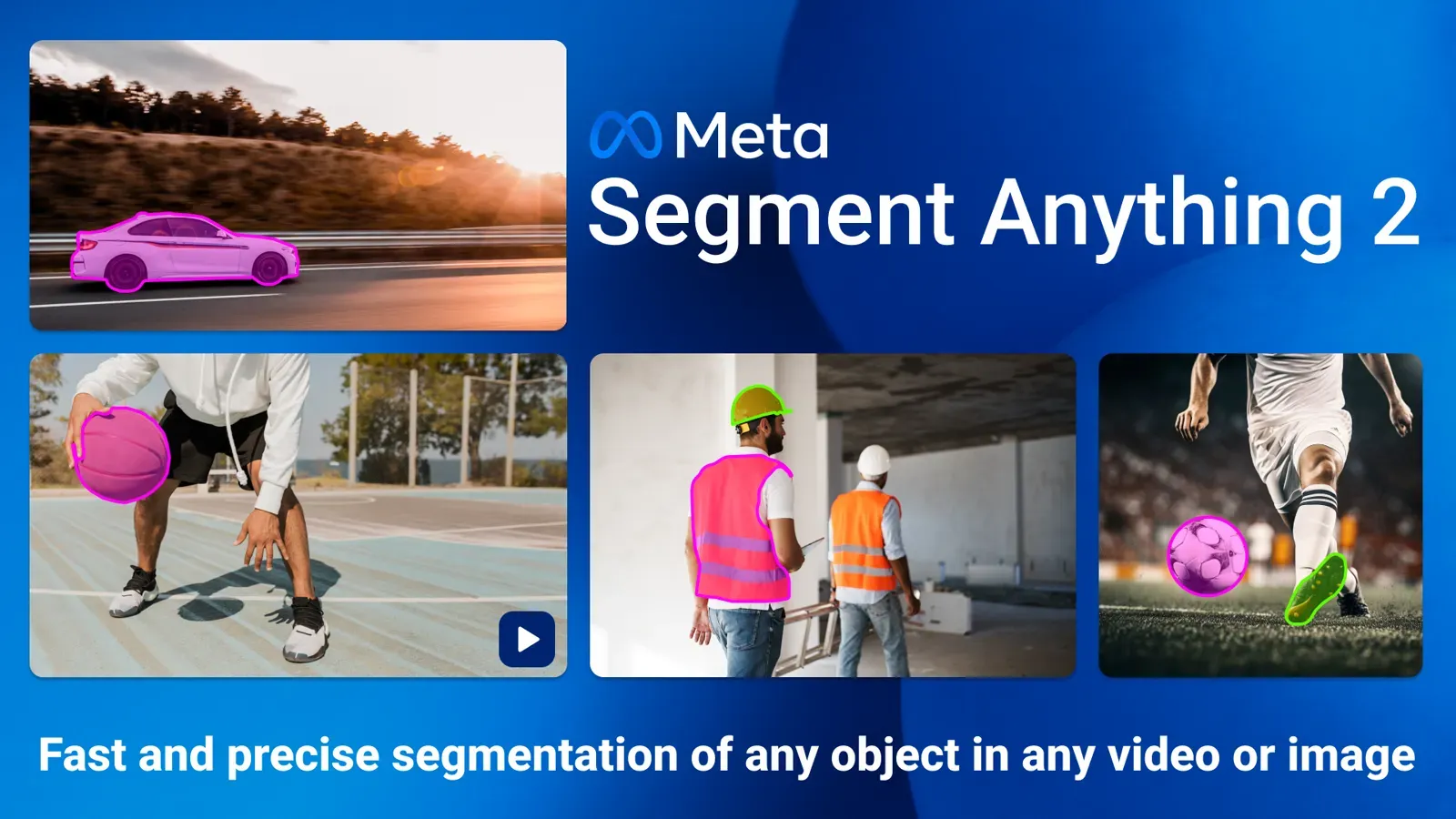
Segment Anything 2 (SAM 2): Video Segmentation, SAM 2.1 and SAM 3
SAM 2 segments and tracks objects in images and video. See what changed in SAM 2.1 and SAM 3, a SAM vs SAM 2 vs SAM 3 table, and how to use it in Supervisely.
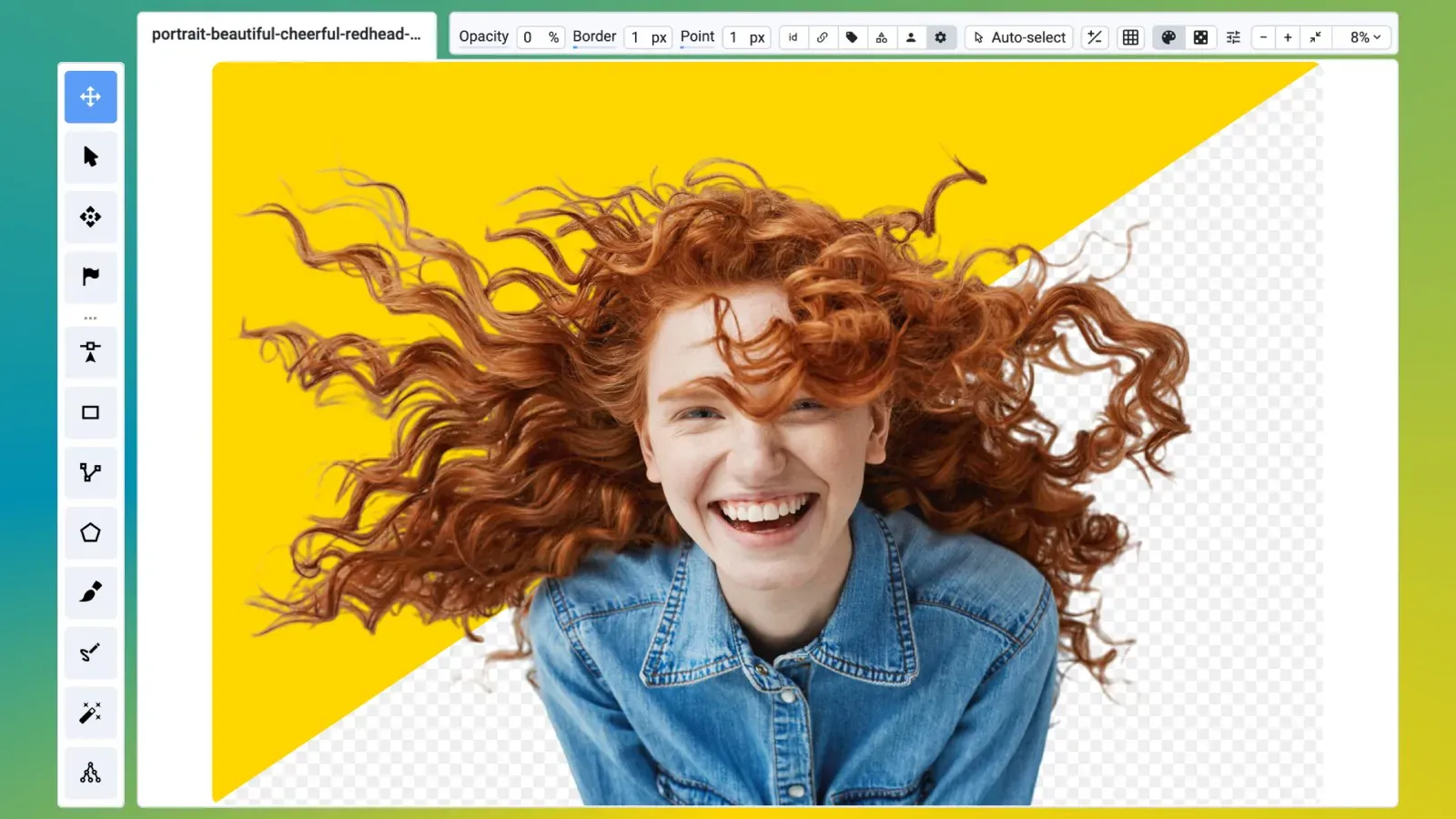
Image Matting: How to Create Alpha Masks With Matte Anything
Image matting estimates partial transparency for each pixel. Learn to label alpha masks in Supervisely with Matte Anything pre-labeling and the Brush tool.
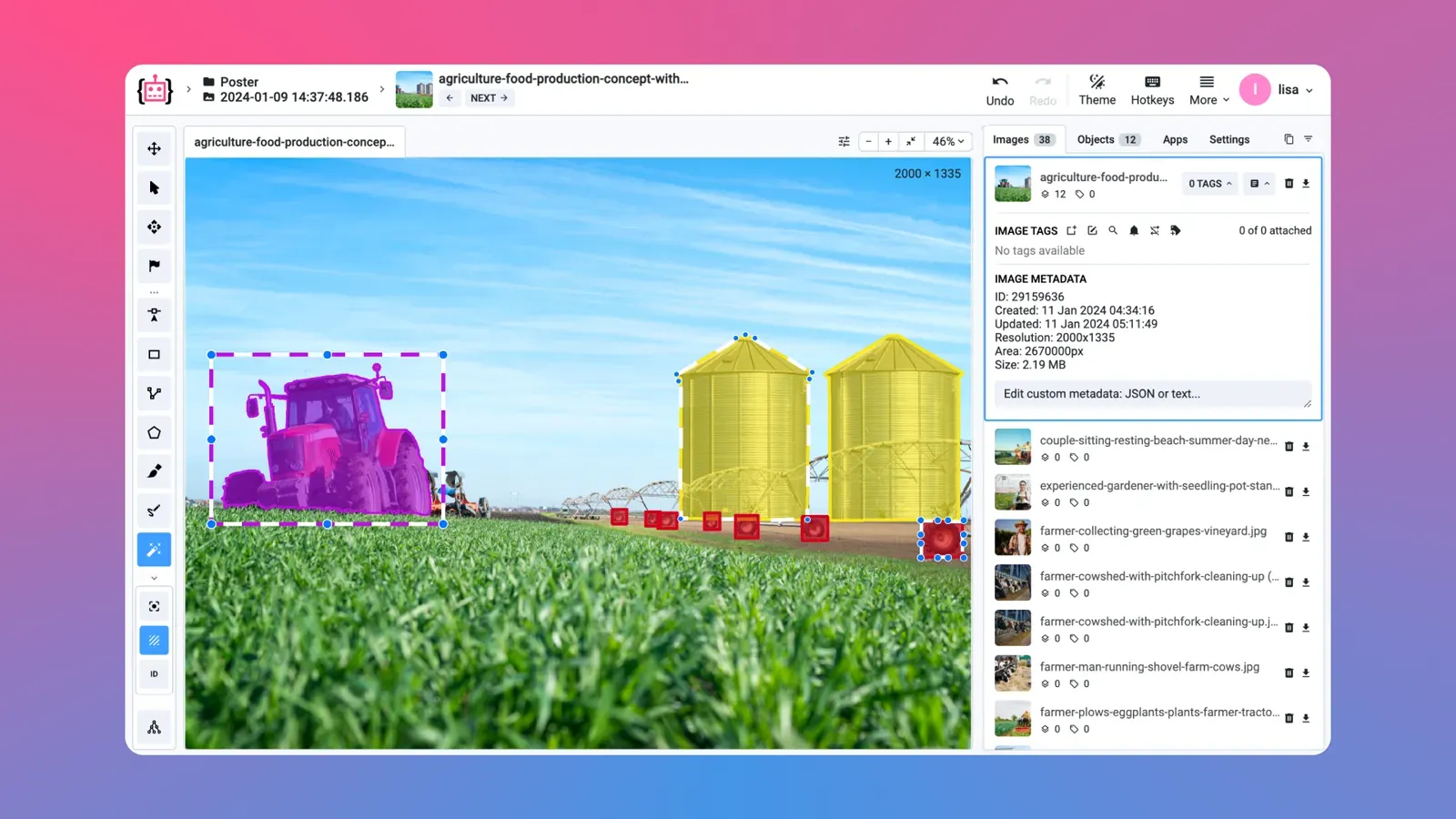
How to Speed Up Image Labeling: Toolbox Features That Save Clicks
Speed up image labeling with fewer clicks per object: pick the right shape, pre-label with a model, clone objects and use hotkeys in the Supervisely toolbox.
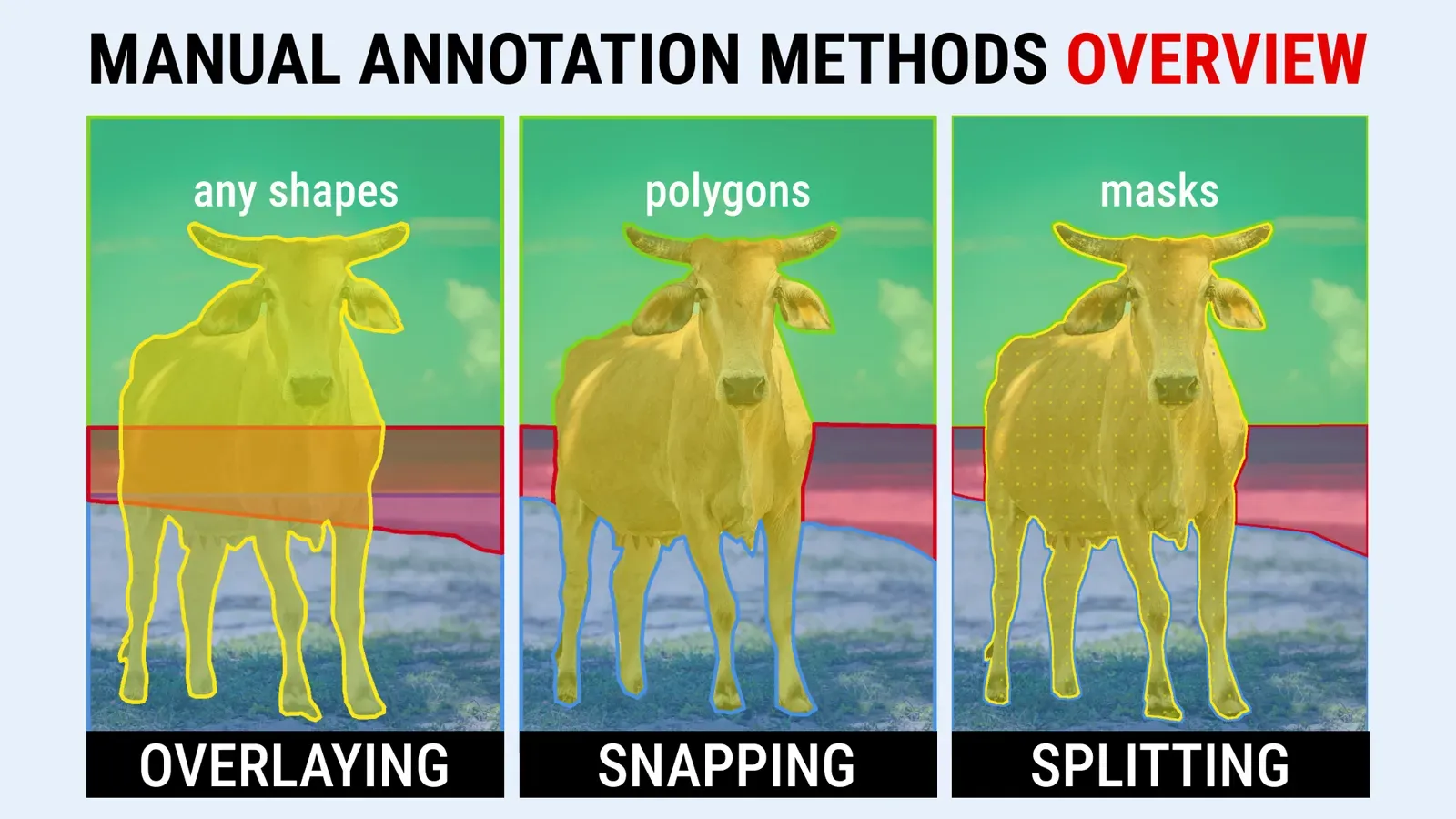
Manual Image Segmentation: Layering, Snapping and Splitting Compared
Manual image segmentation compared: Layering, Snapping and Splitting on the same livestock images, with when to use each, a comparison table and a summary.
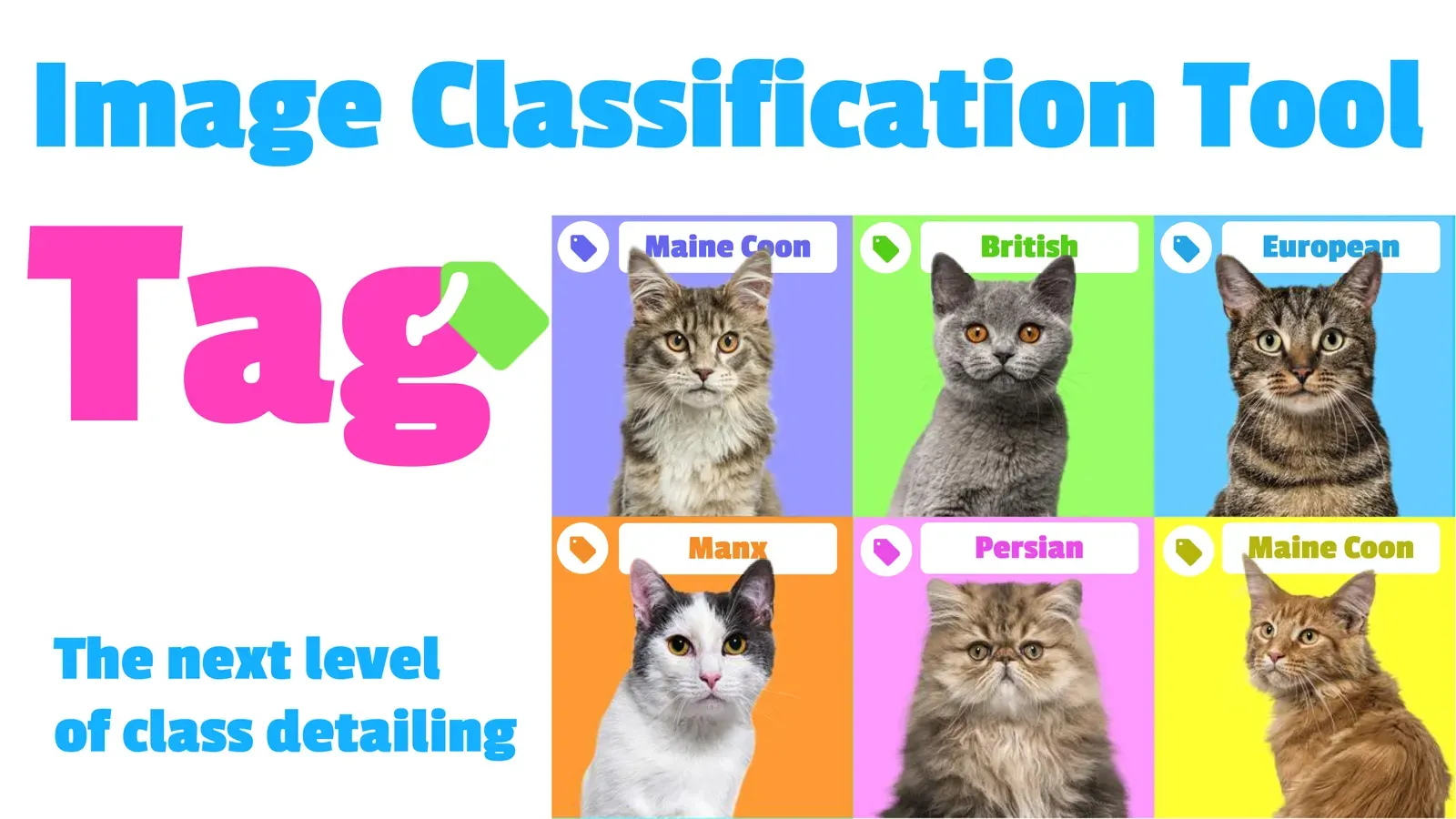
Image Tags: What They Are and How to Use Image Tagging in CV
Image tags label a whole image or one object with a type, property or context. Learn tag types, tags vs classes, and how to create and apply tags.
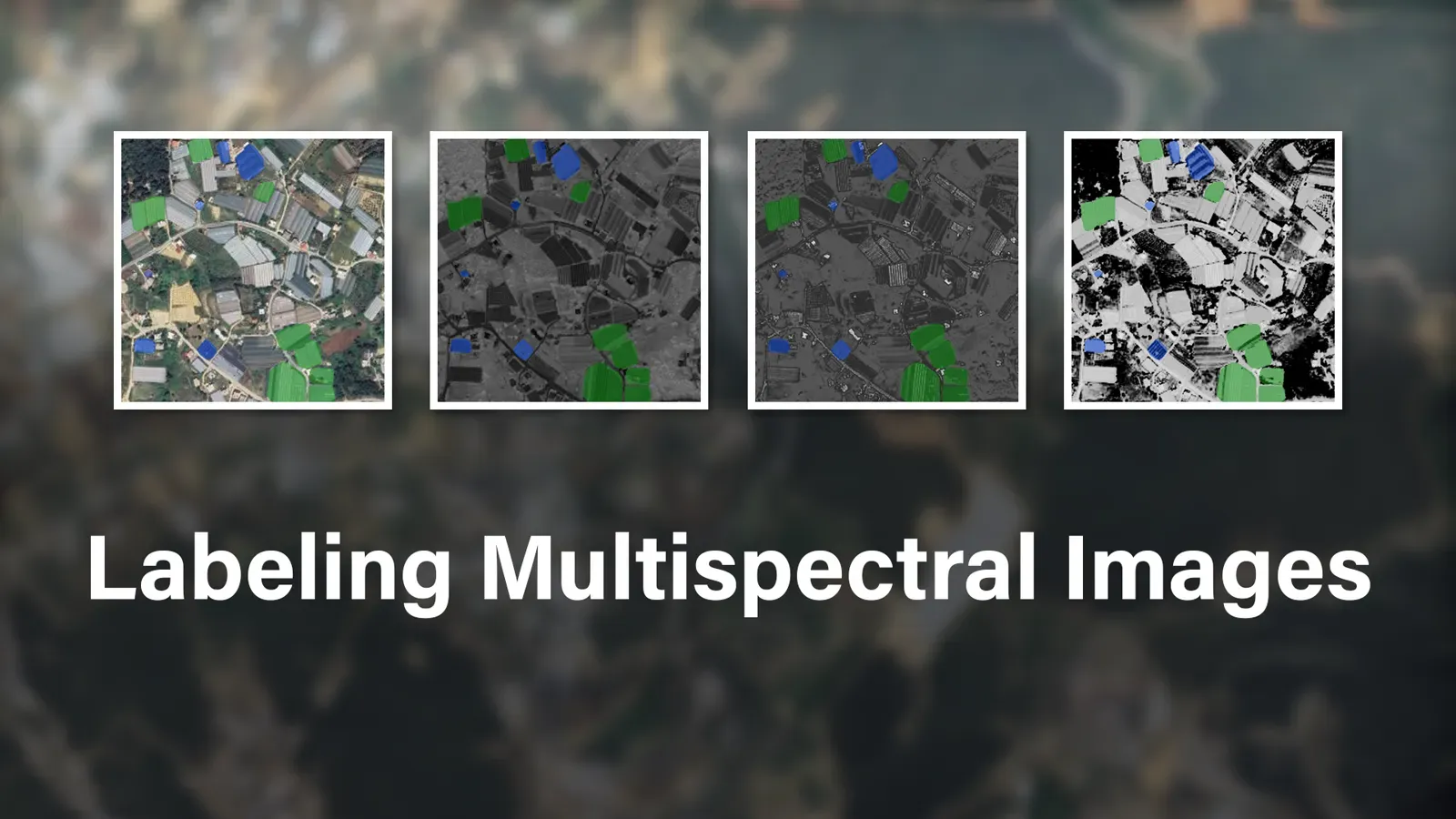
How to Annotate Multispectral Images for Computer Vision Models
Annotate the bands of a multispectral image together as a group. See how to import images, sync pan and zoom, mirror labels and use AI in Supervisely.
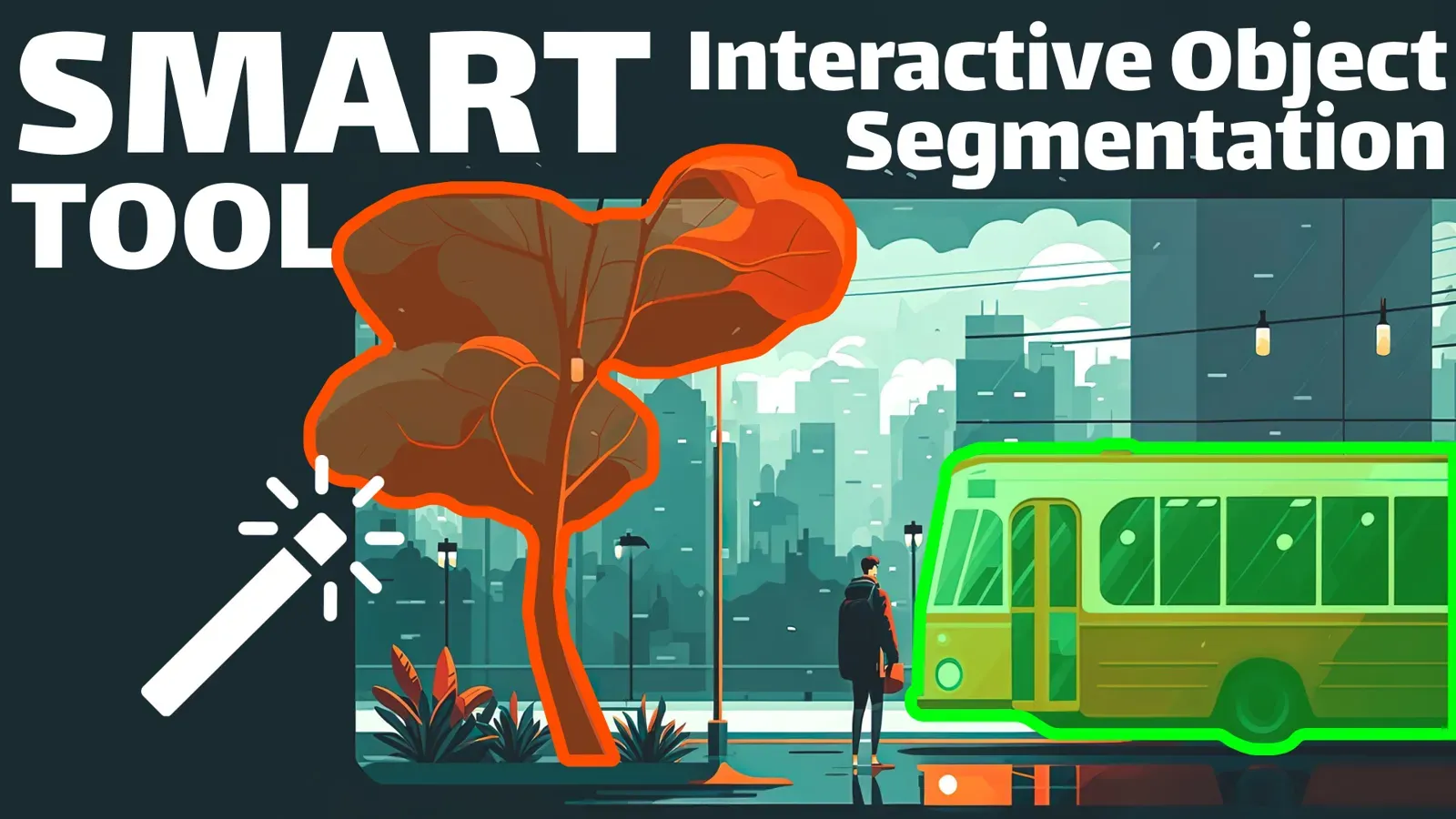
Interactive AI Segmentation: Label Objects With the Smart Tool
Draw a box, add a few clicks and get a mask from SAM, RITM or ClickSEG. Learn the Smart Tool workflow, hotkeys and how to fix or retrain its predictions.
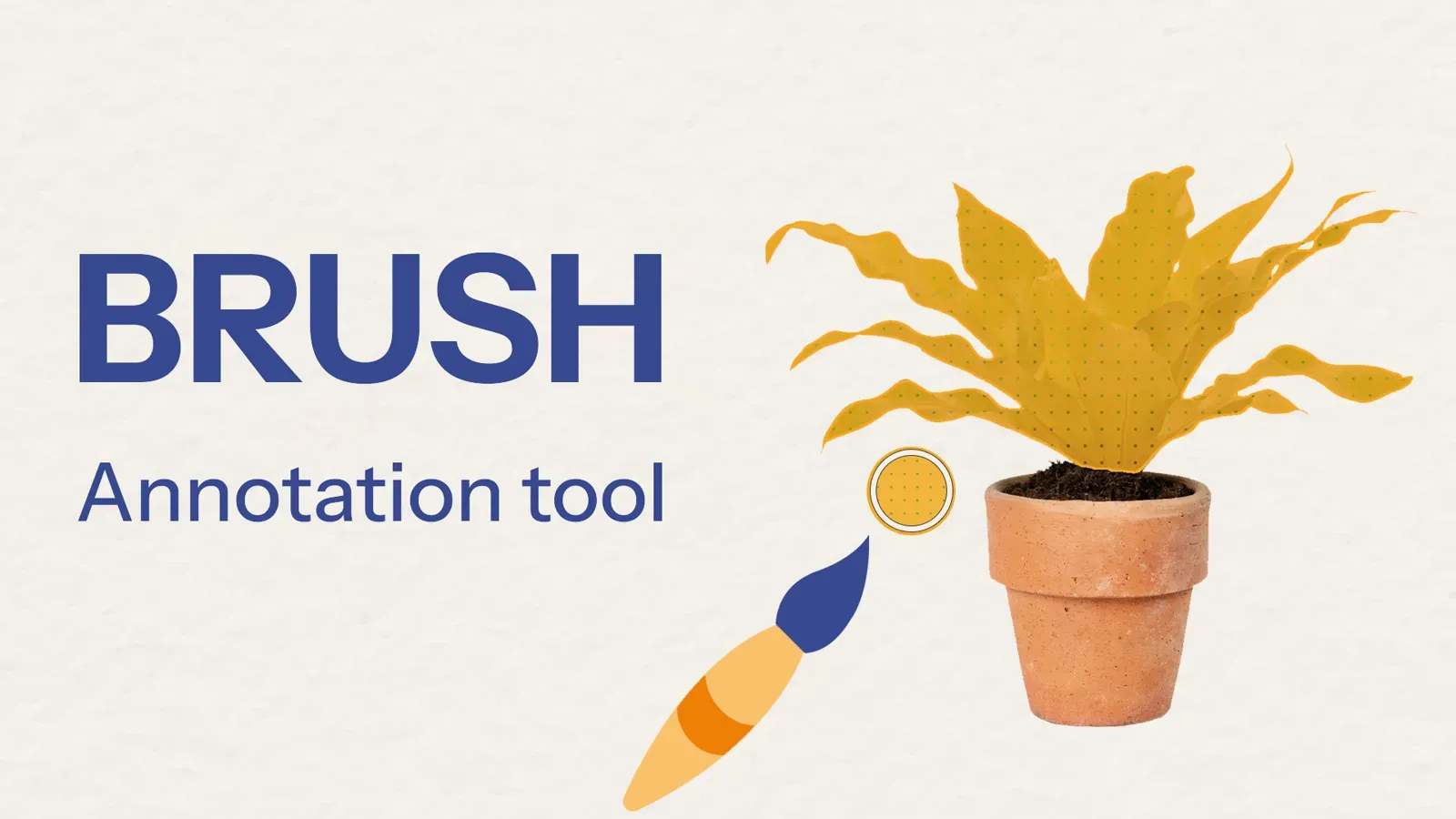
Brush Annotation Tool: How to Segment Objects With Free-Form Masks
The Brush tool paints free-form pixel masks for objects with no clear edges. See one-click masks, Eraser, Pen, Bucket Fill, Polygon Split and hotkeys.
Mask Pen Tool: How to Segment Objects and Their Parts
The Mask Pen tool mixes polygon clicks with freehand drawing in one mask. Learn how to use it, split an object into parts, fix holes and pick the right tool.
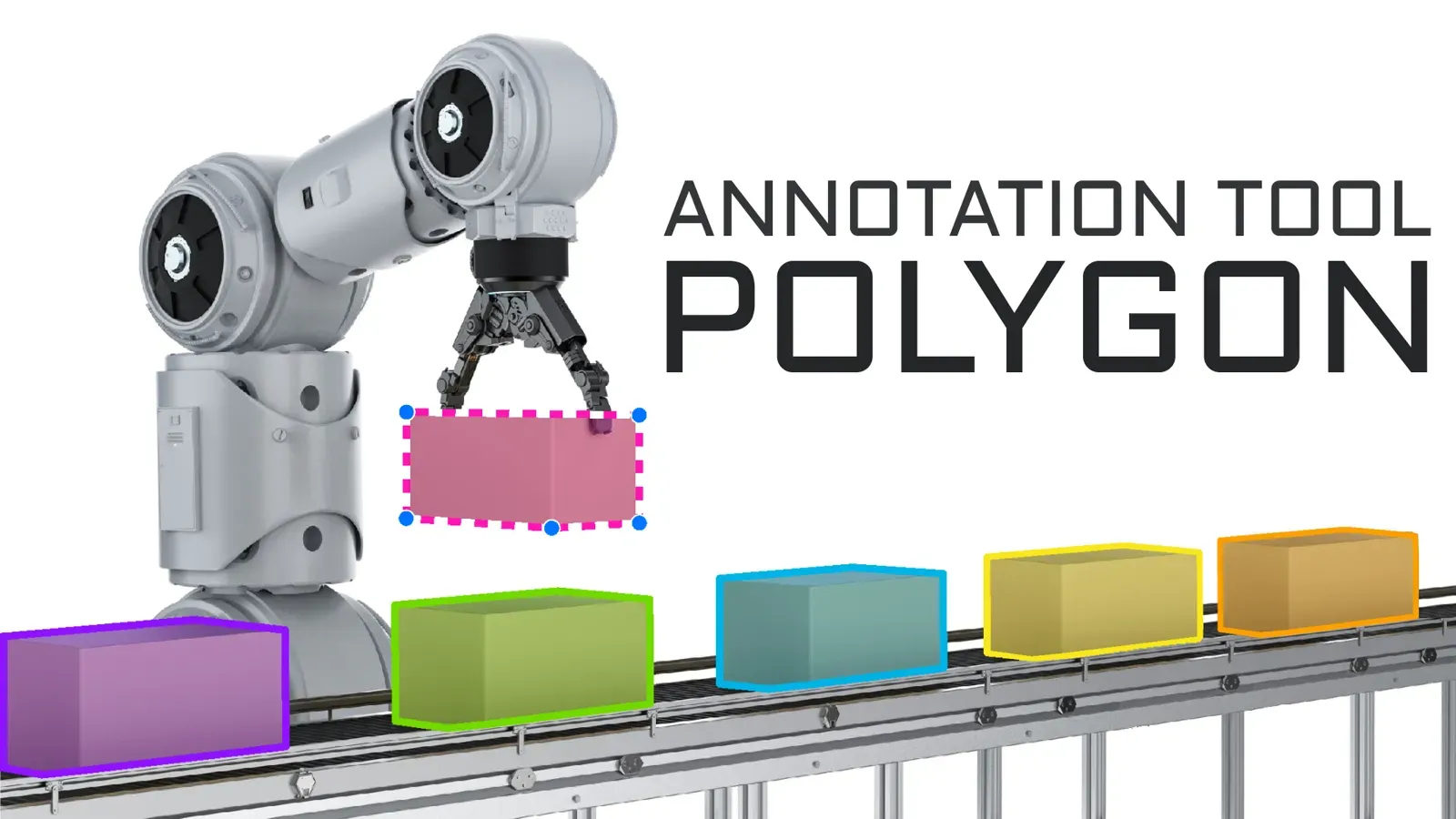
Polygon Annotation: How to Label Objects for Image Segmentation
Polygon annotation outlines objects point by point for semantic and instance segmentation. Learn the Polygon tool: snapping, auto-points, editing and hotkeys.
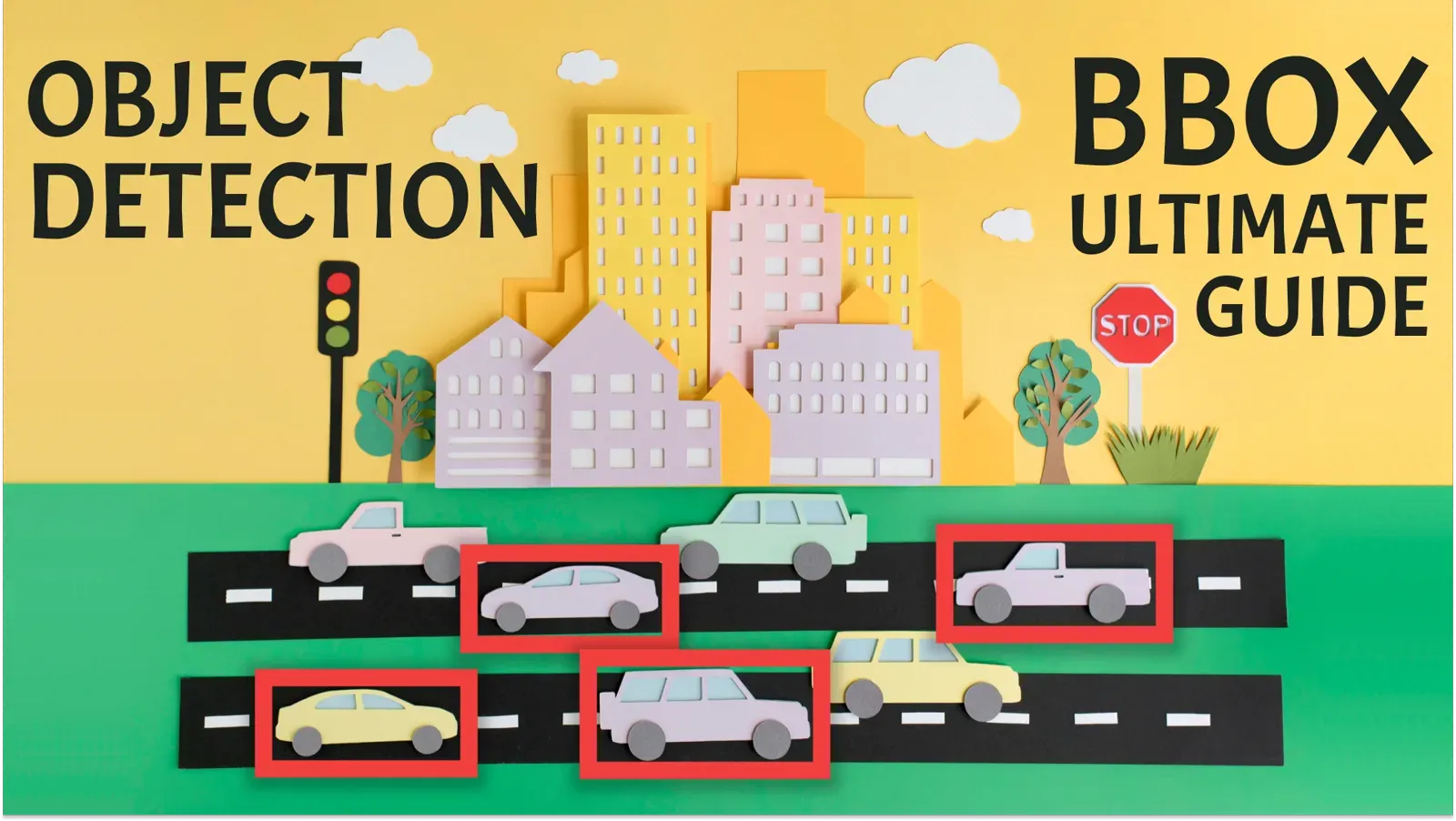
Bounding Box Annotation: How to Label Boxes for Object Detection
How to label bounding boxes for object detection: polygon vs bounding box, click-saving tips, pre-labeling with OWL-ViT and YOLOv8, and export formats.
Labeling Queues: Share Annotation Work Across a Team
A labeling queue hands out images from a shared pool, so faster annotators take more work. Learn how queues work, the steps to set one up, and when to use jobs.
Labeling Jobs: Assign, Label and Review Data in a Team
Labeling jobs split a dataset into tasks for annotators and reviewers. See the roles, the create-label-review steps, statistics and export in Supervisely.
Pose Estimation Models: Human and Animal Pose Estimation Explained
What pose estimation is, which models to pick (OpenPose, HRNet, ViTPose, RTMPose, YOLO pose) and how to label keypoints for people and animals in Supervisely.
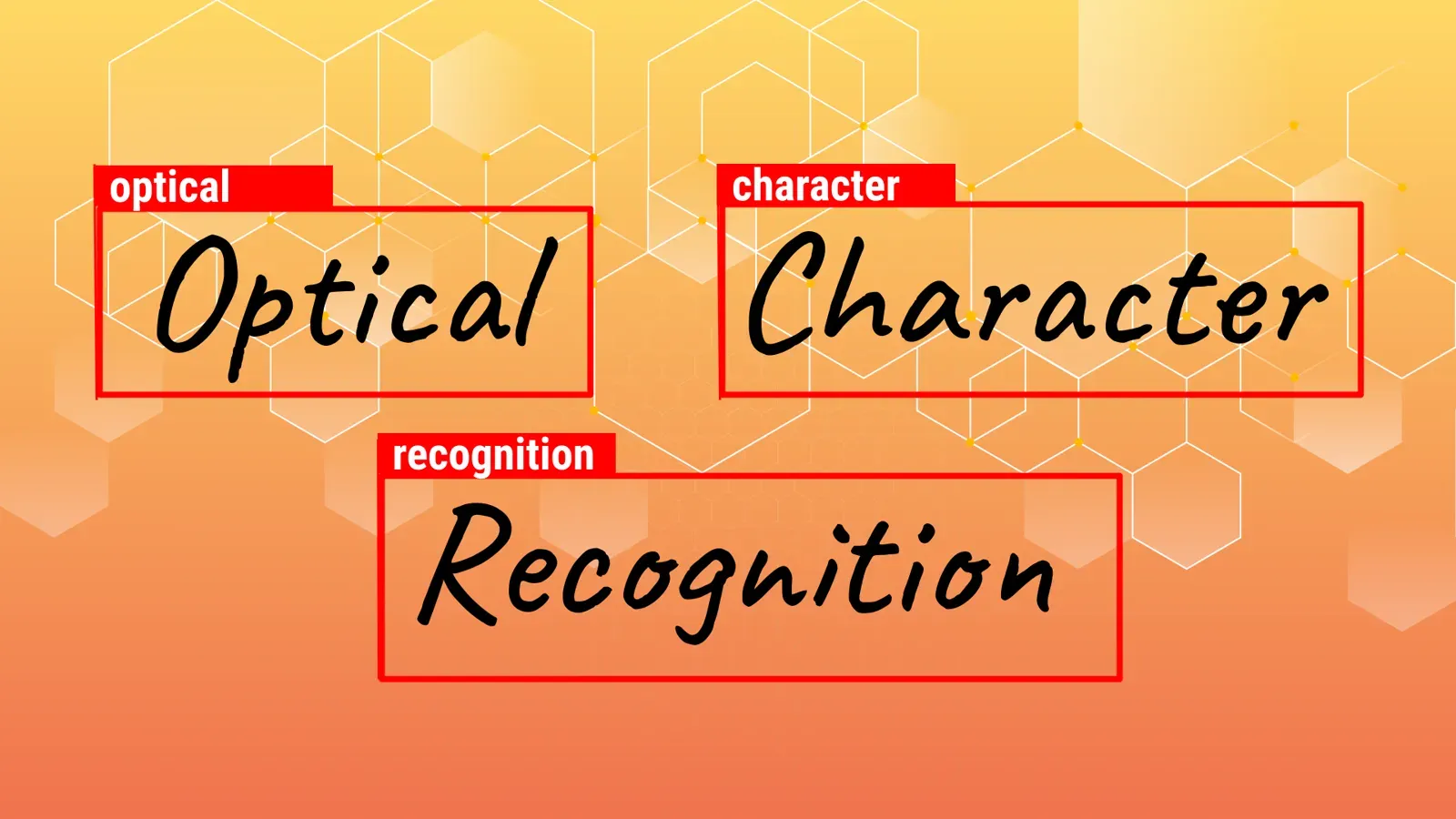
OCR Text Detection with MMOCR: How It Works and How to Run It
OCR text detection finds where text is in an image, recognition reads it. See how MMOCR does both and how to run it in Supervisely to pre-label text fast.
Animal Pose Estimation: Models, Datasets and How to Label Animals
Animal pose estimation finds keypoints on pets, livestock and wildlife. See which datasets and models exist, and how to label animal keypoints in Supervisely.
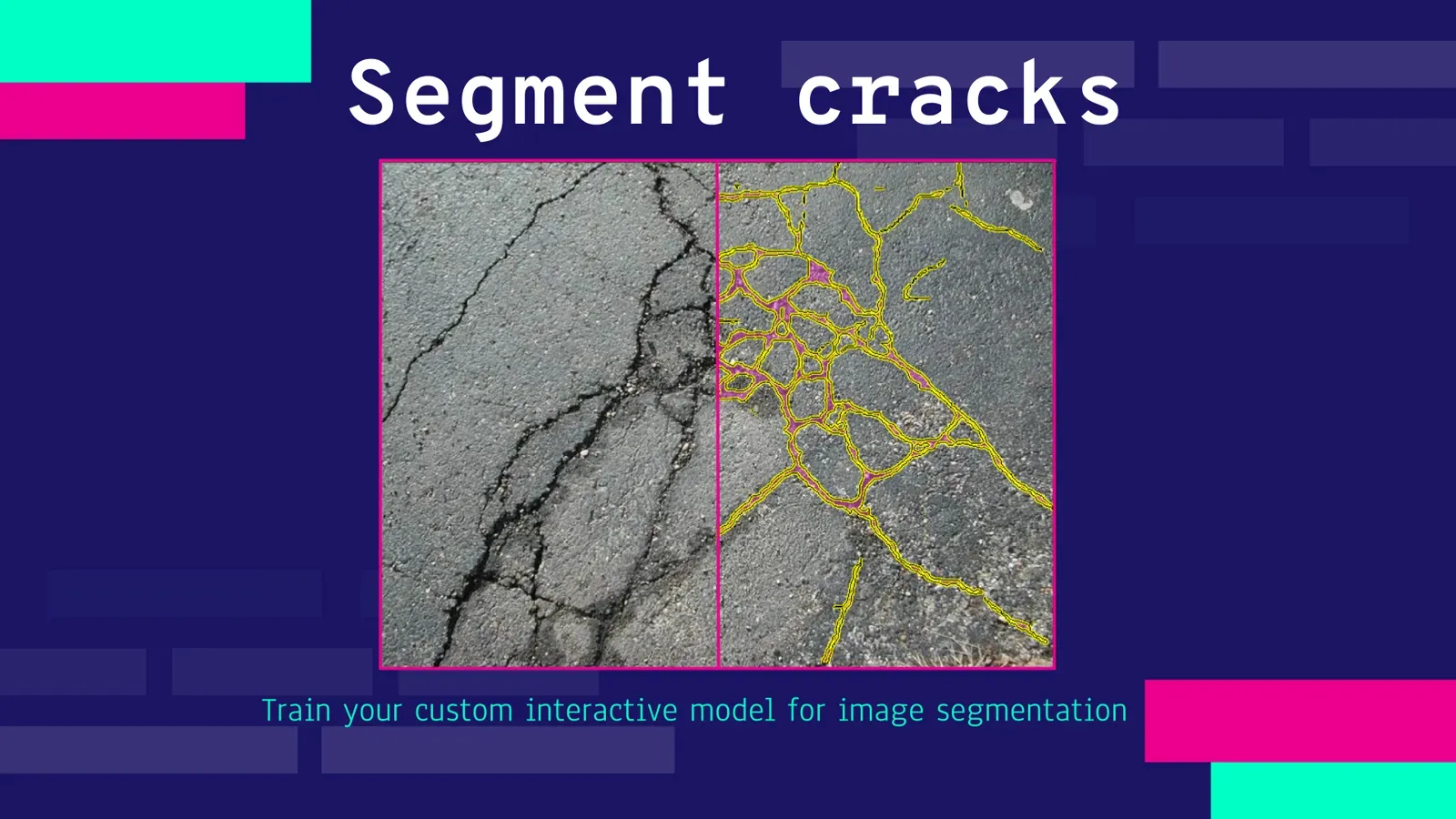
How to Train a Smart Tool for Crack Segmentation in Inspection
Train a custom RITM smart tool for crack segmentation in inspection images, no code. Data, GPU setup, training and serving, tested on 70 unseen photos.
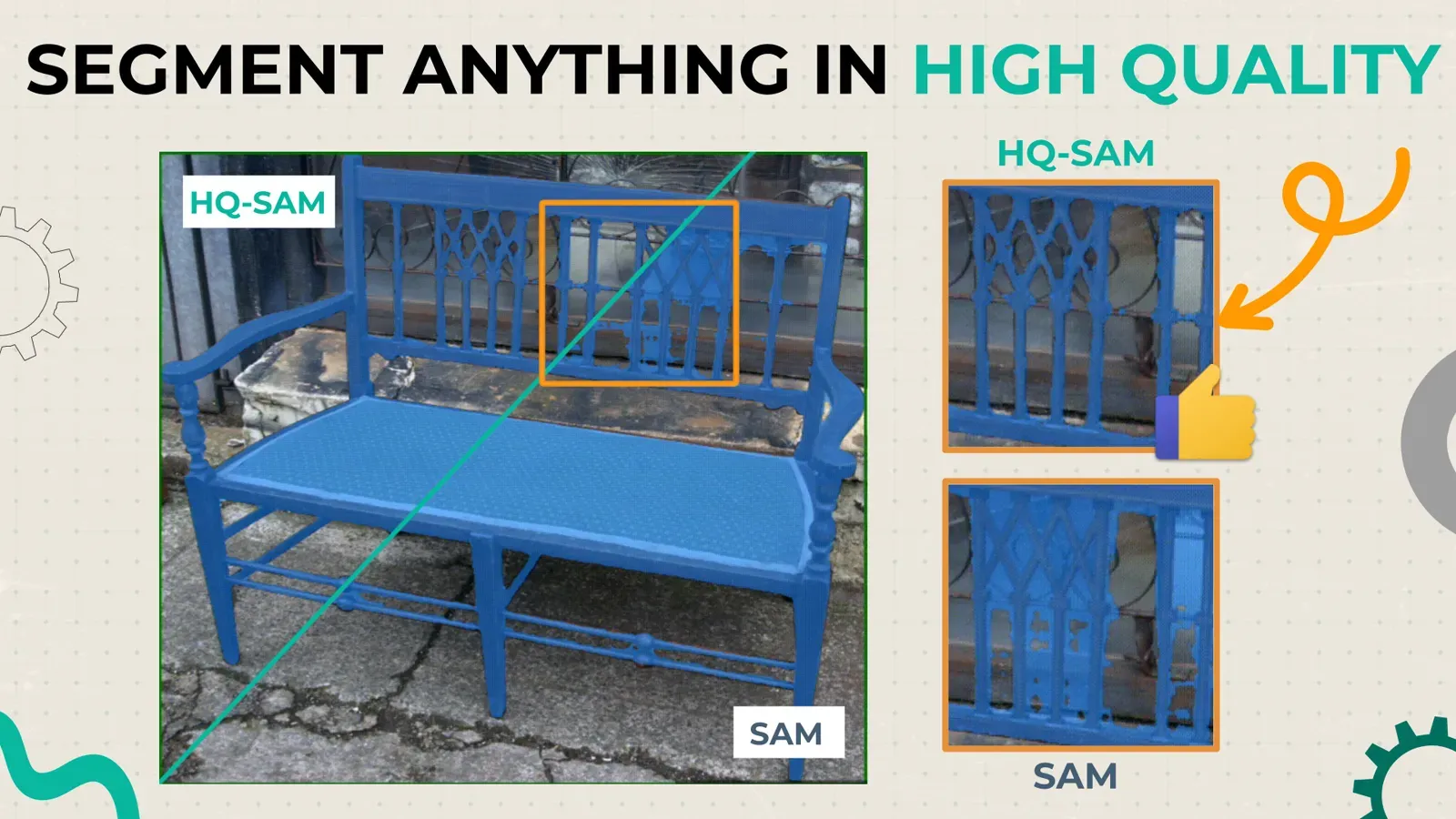
Segment Anything in High Quality (HQ-SAM) vs SAM: Tutorial
HQ-SAM keeps SAM's weights but predicts sharper masks on thin and complex objects. See side-by-side results and how to run both models in Supervisely.
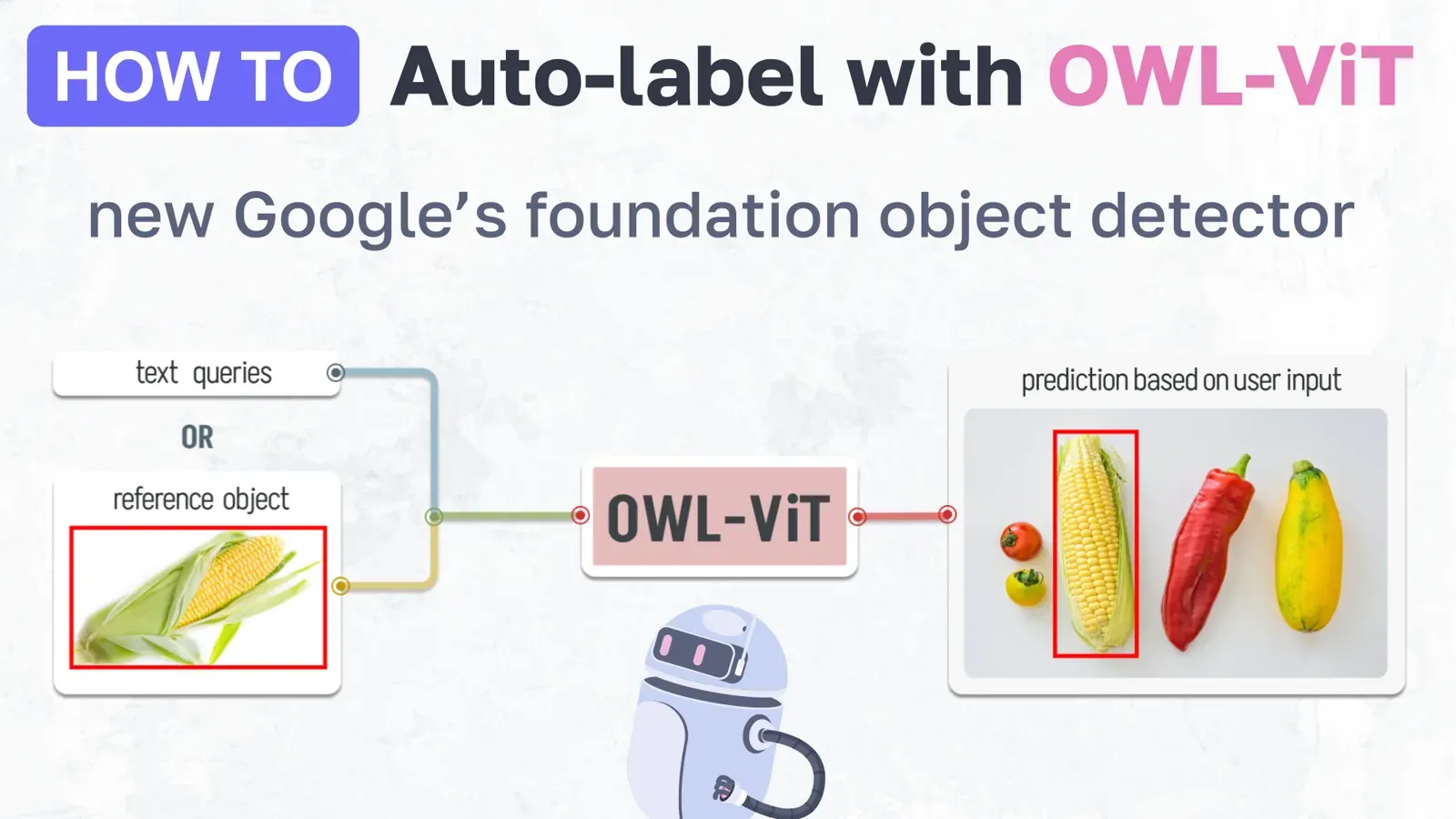
OWL-ViT Few-Shot Object Detection: Auto-Label Images With One Example
OWL-ViT finds objects from a text prompt or a single reference box. See how to run it in Supervisely and pre-label a whole dataset on your own GPU.
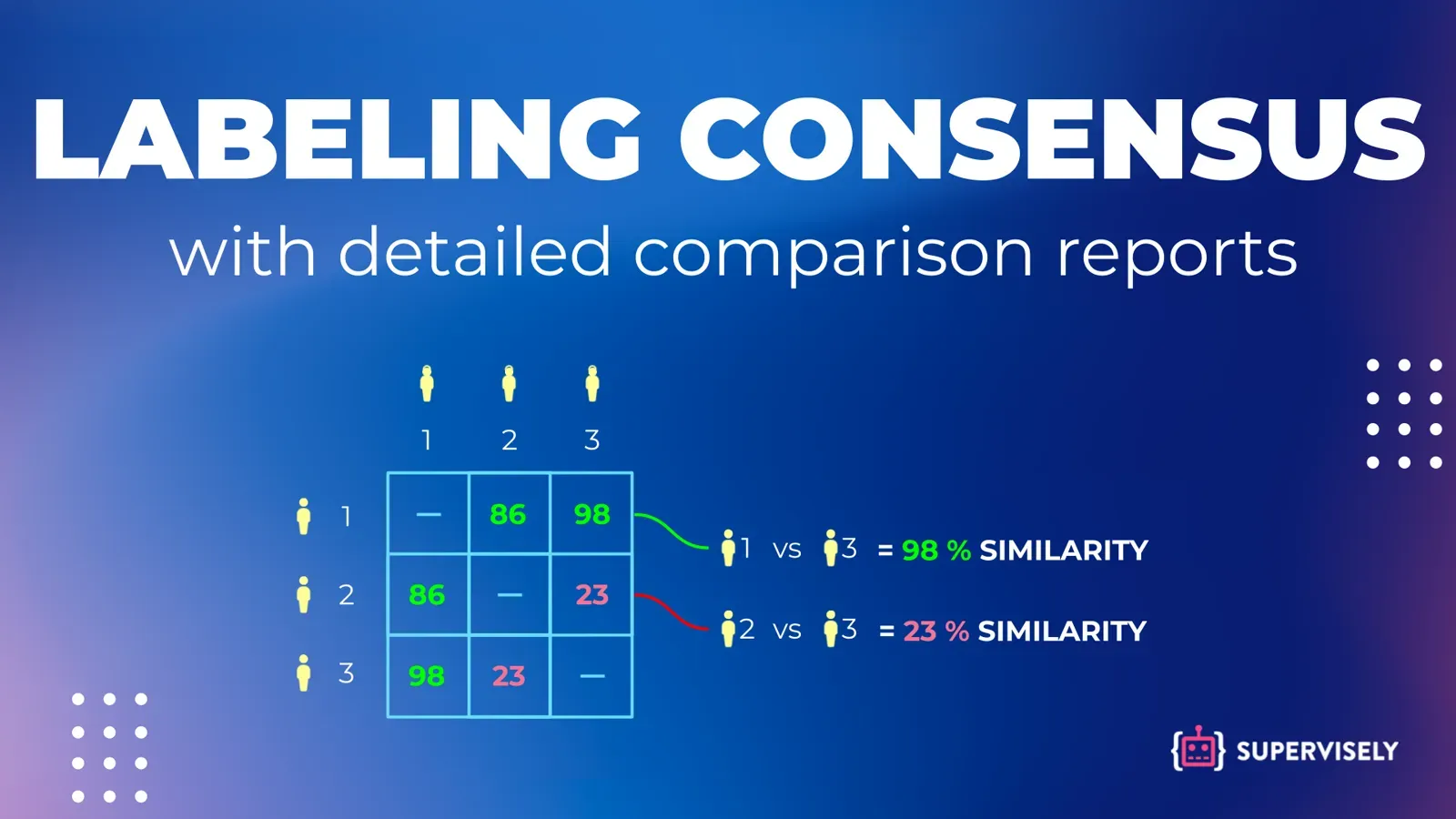
Inter-Annotator Agreement: Metrics and Consensus Labeling
Inter-annotator agreement shows how consistent labelers are. Learn Cohen's kappa, Fleiss' kappa, Krippendorff's alpha and IoU, then run consensus labeling.